
Telehealth
Telehealth visits under your practice's name.
Patients join from a link in their browser, wait in your waiting room until you admit them, and see your logo and colors the whole time. MegaMeeting is HIPAA-ready, with a Business Associate Agreement for Enterprise accounts.
Branding, custom domain and the BAA come with Enterprise, from $99/month.
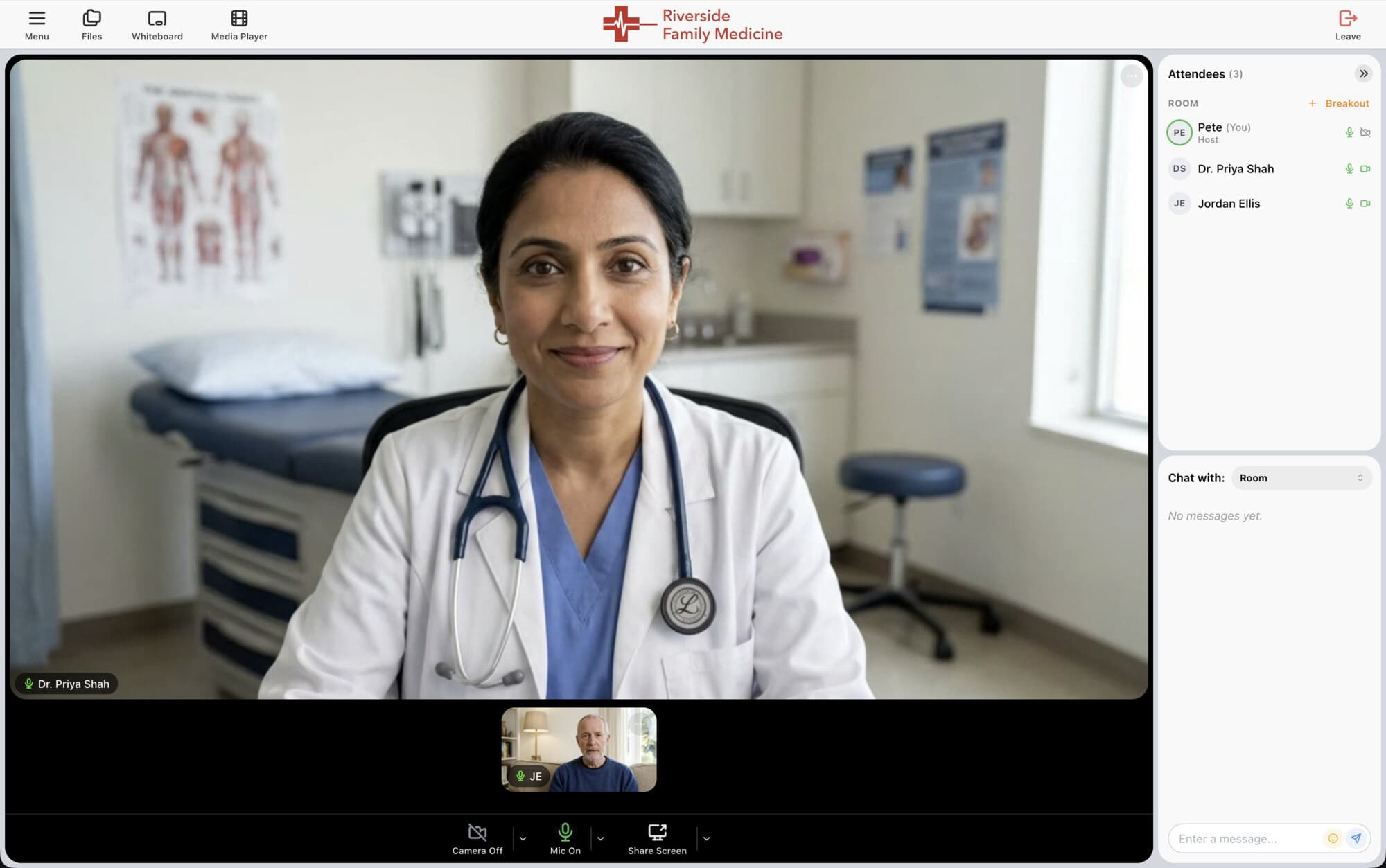
Built for patient visits
What a telehealth visit needs
No app for patients
Patients click your link and join from Chrome, Safari, Firefox or Edge on a phone, tablet or computer.
A real waiting room
Patients wait until you are ready, and you admit them one at a time.
Verified patients
Require a one-time code so only the invited patient can enter the visit.
Encrypted and HIPAA-ready
Audio and video are encrypted in transit, and Enterprise accounts can sign a BAA.
Review results together
Share your screen to walk through lab results, imaging or a care plan.
Your practice's brand
Your logo, colors and domain on every visit and invitation.
Who uses it
For practices of every size
From a single provider to a telehealth network serving many practices, each visit carries the practice's own name.
Primary care and family medicine
Behavioral health and therapy
Specialists and second opinions
Physical therapy check-ins
Care coordination and home health
Telehealth networks, with Platform
How it works
From invitation to visit in three steps
1
Set up your practice
Add your logo, colors and domain, and put a BAA in place.
2
Invite the patient
Send the visit link by email, text message or calendar invitation.
3
See the patient
Admit them from the waiting room and start the visit.
FAQ
Telehealth questions
See patients under your own name
Tell us about your practice and we will help you get set up.