
No download needed
Online video calls with nothing to install.
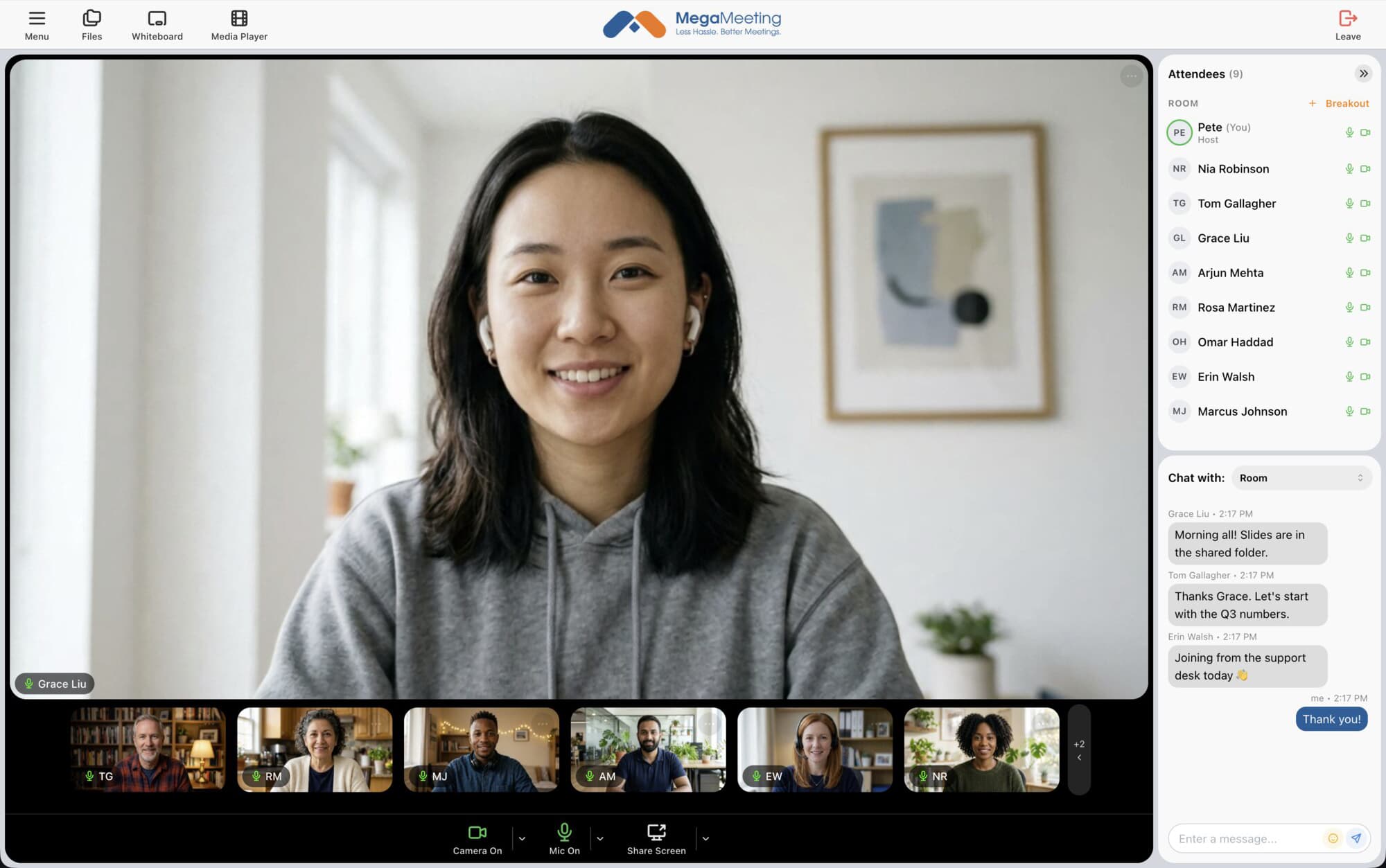
MegaMeeting runs entirely in the browser. Send a link, and people join from Chrome, Safari, Firefox or Edge on a computer, tablet or phone. No app, no plugin, and no account needed for guests.
Start free, with up to 10 participants.
Why browser-based
Join in one click
Just a link
Guests click the invitation link and they are in the room. No sign-up required.
Works on phones
Join from Safari on iPhone and iPad or Chrome on Android, with no app store download.
Every major browser
Recent versions of Chrome, Firefox, Safari and Edge on Windows and Mac.
Secure by default
Audio and video are encrypted in transit, and you can require a waiting room or a one-time code.
Always up to date
There is nothing to update. Everyone is on the latest version every time.
Full meeting tools
Screen sharing, chat, file sharing and recording, all in the browser.
Good for
Calls where a download gets in the way
Asking a client, patient or customer to install software before a call loses people. A link doesn't.
Client and sales calls
Patient visits
Job interviews
Tutoring and classes
Customer support calls
Guests on locked-down work computers
How it works
Three steps, no installs
1
Create a room
Sign up free and create a room in a minute.
2
Send the link
Share it by email, text message or calendar invitation.
3
Talk
Guests click the link, allow their camera and microphone, and join.
FAQ
Questions about browser calls
Make your first call without a download
Start free, with up to 10 participants.